
Welcome back to New in Edge for developers, our recurring roundup of recent web platform updates in Microsoft Edge.
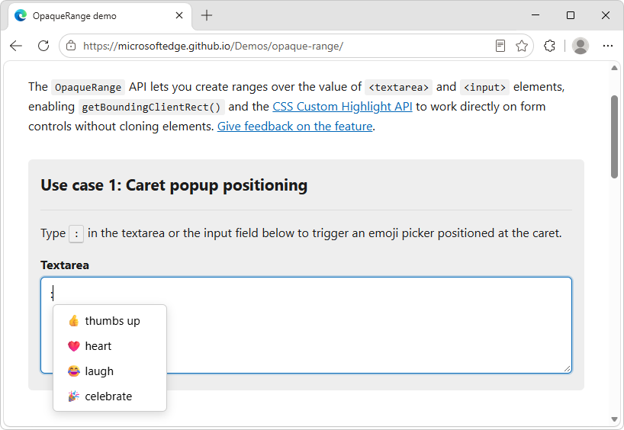
In this edition, we’ll look more closely at some of the newest additions to Microsoft Edge and the Chromium project, such as the OpaqueRange API, to highlight and interact with ranges of text in input fields, the referenceTarget property, to make your custom web components more accessible, and the aria-actions attribute, to expose your widgets’ secondary actions to assistive technologies.
We’ll then round up other useful additions, including media-state pseudo-classes, relative alpha colors, and PWA drag regions, and go over early features that are ready for testing such as WebMCP, to unlock browsing agent scenarios.
OpaqueRange API: highlight and interact with text ranges in form inputs
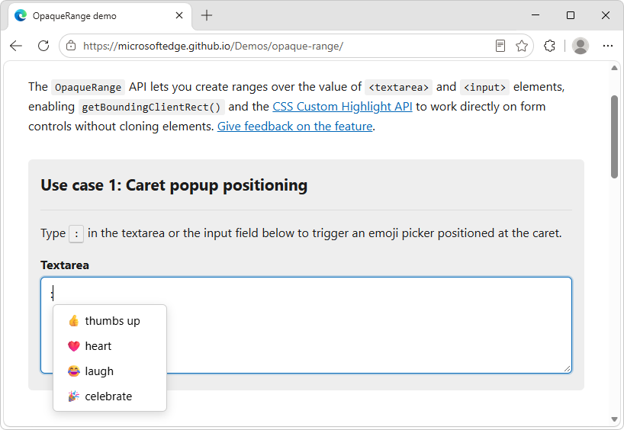
The new OpaqueRange API provides live access to ranges of text within form inputs, such as